
Change the Minecraft version on your Minecraft Java server in a few clicks: open Manage Server, go to Versions, pick a launcher such as Vanilla, choose the version and press Install.
Older versions of Minecraft will require a different Java version to run. If your server does not start after changing the Minecraft version, ensure that the correct Java version is set by following the Setting the Java Version guide.
How to change the Minecraft version on your Java server
- Log in to your game panel at https://gamepanel2.gtxgaming.co.uk/
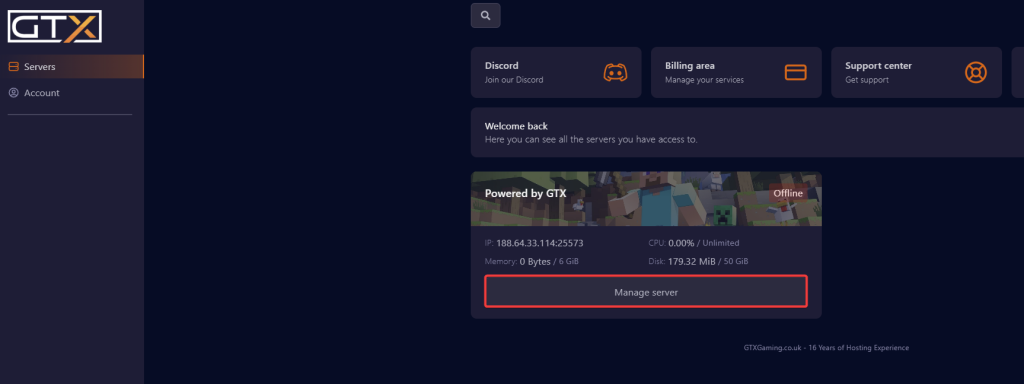
- Click Manage Server on the server you wish to change the Minecraft version on.
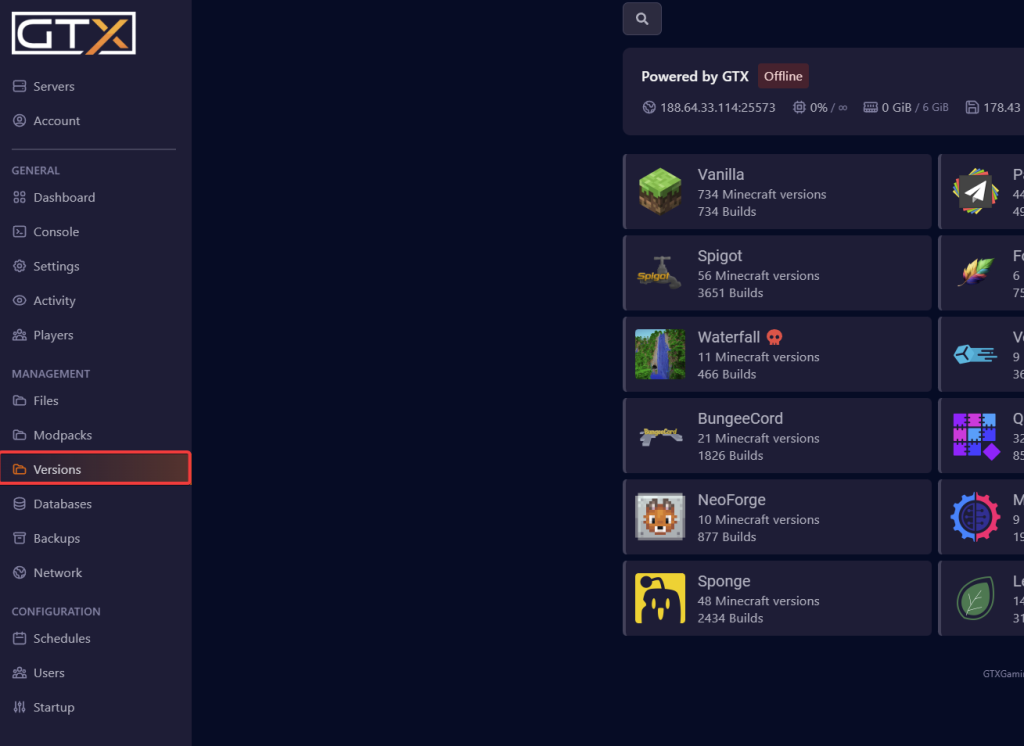
- Change to the Versions page.
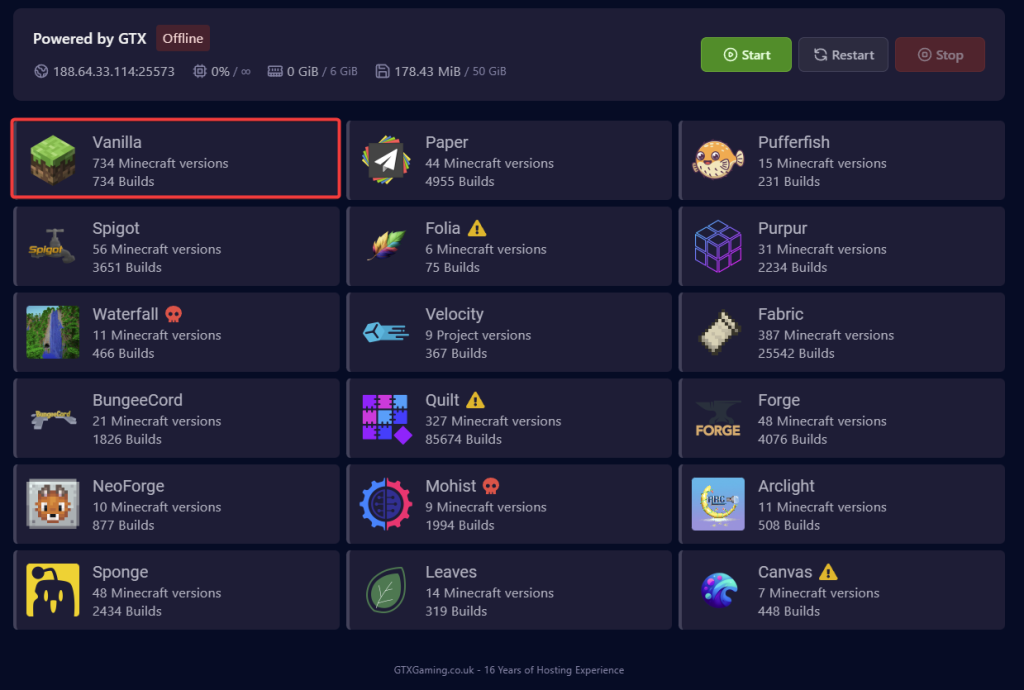
- Click on the launcher you wish to use. For this guide, we use Vanilla.
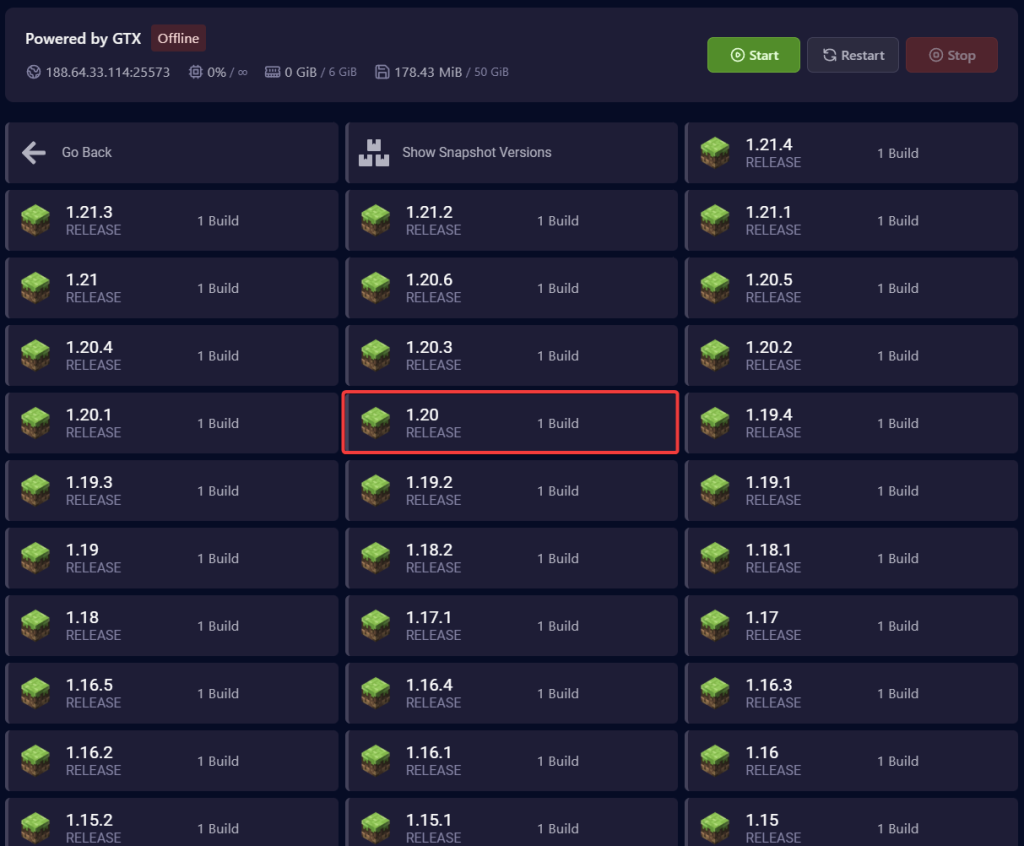
- Click the version you want to install. For this guide, we use 1.20.
- A confirmation box will appear. Click the toggle to 'Wipe Server Files', then click Install.
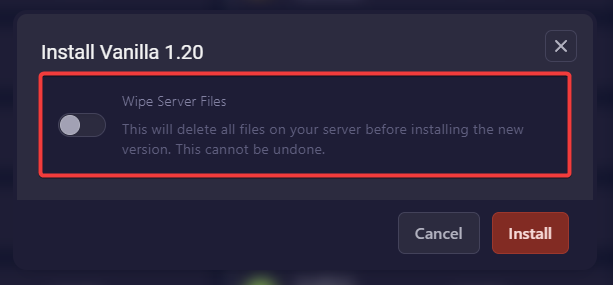
As the confirmation box says, Wipe Server Files deletes all files on your server before installing the new version, and this cannot be undone. Back up your entire Minecraft server first, so you still have your world and files if you need them later.
- Once the install has finished, it will return to the Versions page.
Minecraft version questions
How do I change the Minecraft version on my Java server?
In the game panel, click Manage Server, open the Versions page, pick a launcher (for example Vanilla), click the version you want, turn on Wipe Server Files in the confirmation box and click Install.
My server won't start after changing the version. What now?
Older versions of Minecraft need a different Java version to run. Set the correct one with the Setting the Java Version guide, then start the server again.
Can I install Paper, Fabric or Forge instead of Vanilla?
Yes. The Versions page lists other launchers too, such as Paper, Spigot, Fabric and Forge. Click the one you want in step 4 and follow the same steps.
Want your own Minecraft server? See our Minecraft server hosting.
Related guides
If you have any issues, please open a support ticket. Our support team is available 24/7.


