
Use your GTX Gaming login for the Minecraft game panel to create a sub user, so a friend can help run your Minecraft server with their own login. You can change their permissions or remove them at any time.
GTX Gaming login: open your Minecraft game panel
- Log in to your game panel at https://gamepanel2.gtxgaming.co.uk/
- Click Manage Server on the server you want to add the sub user to.
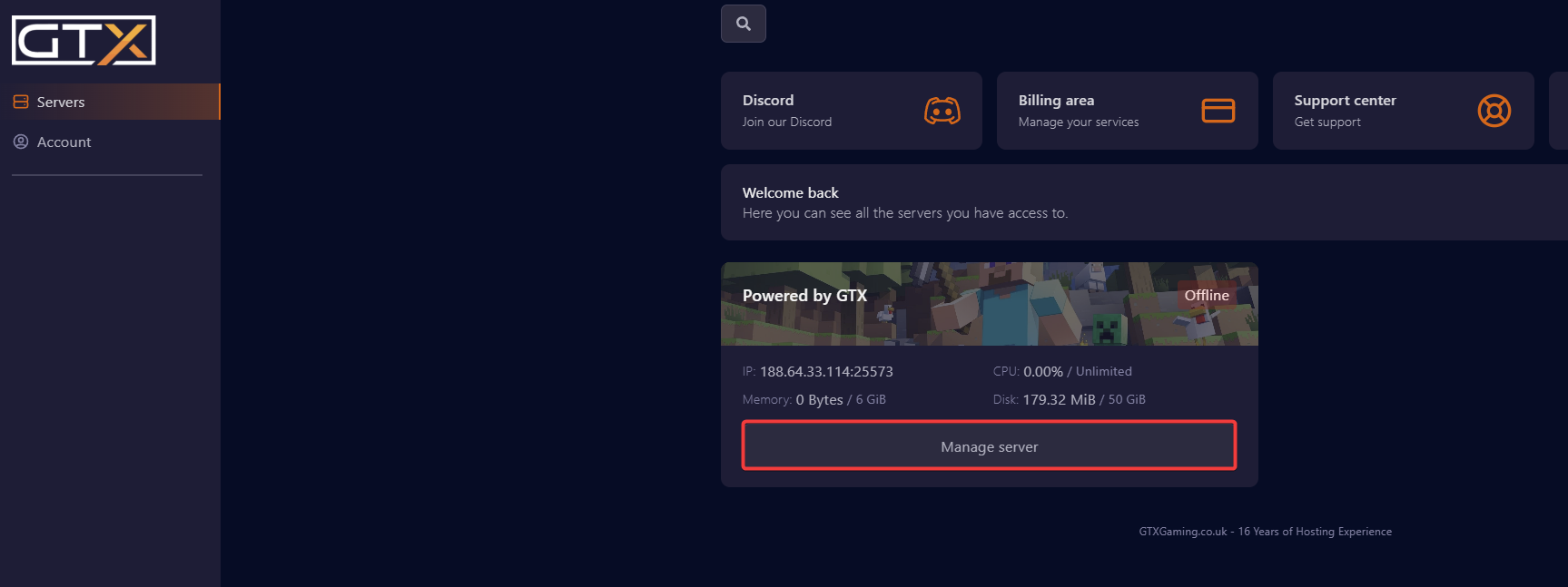
Create a sub user
- Change to the Users page.
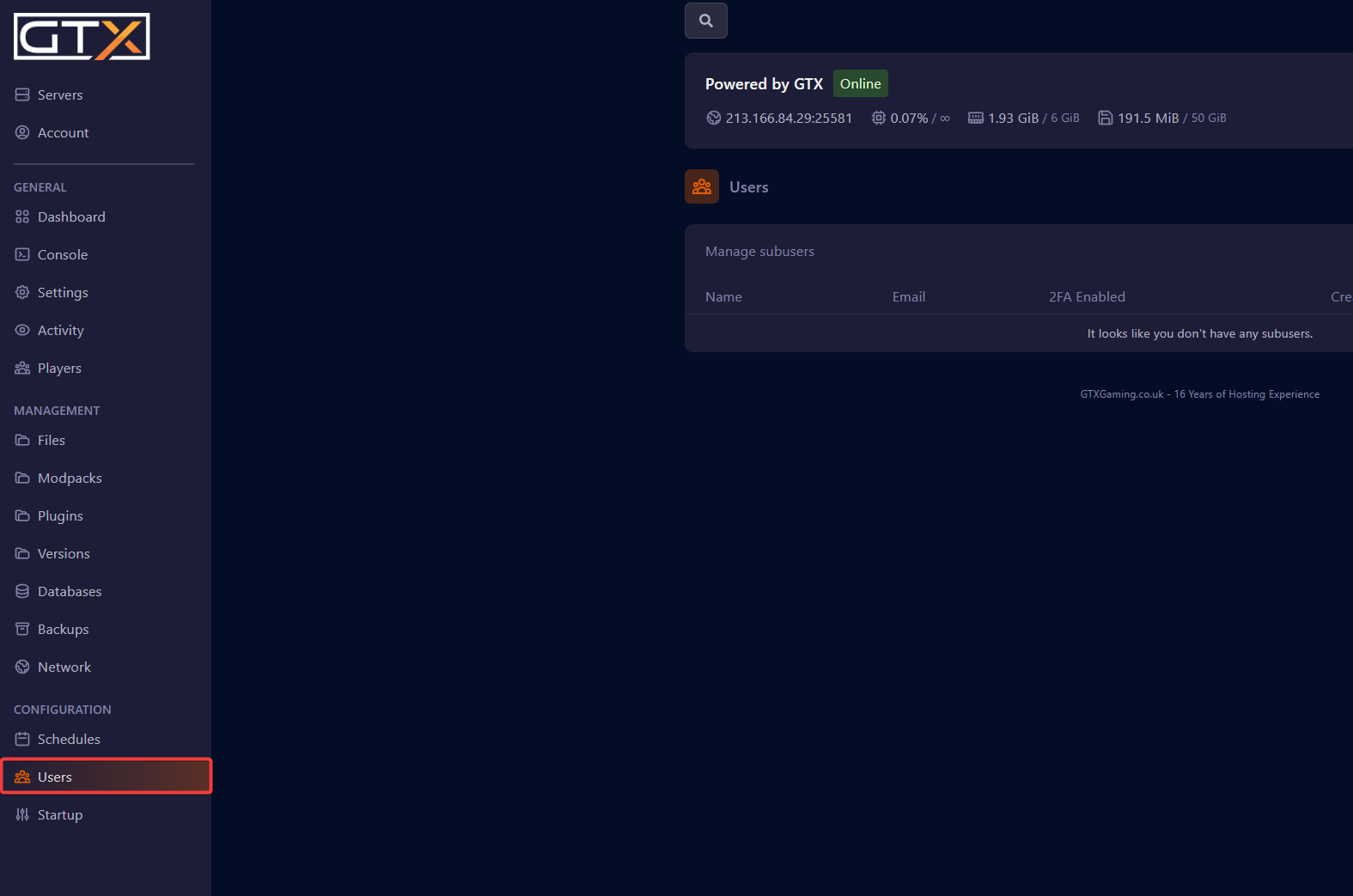
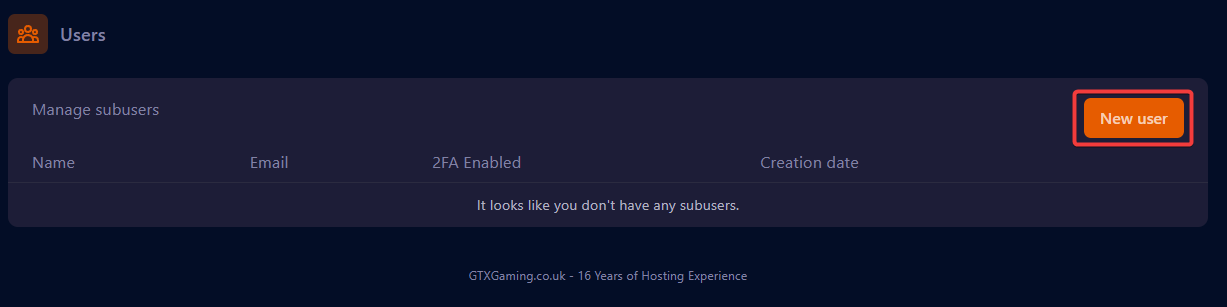
- Click New User.
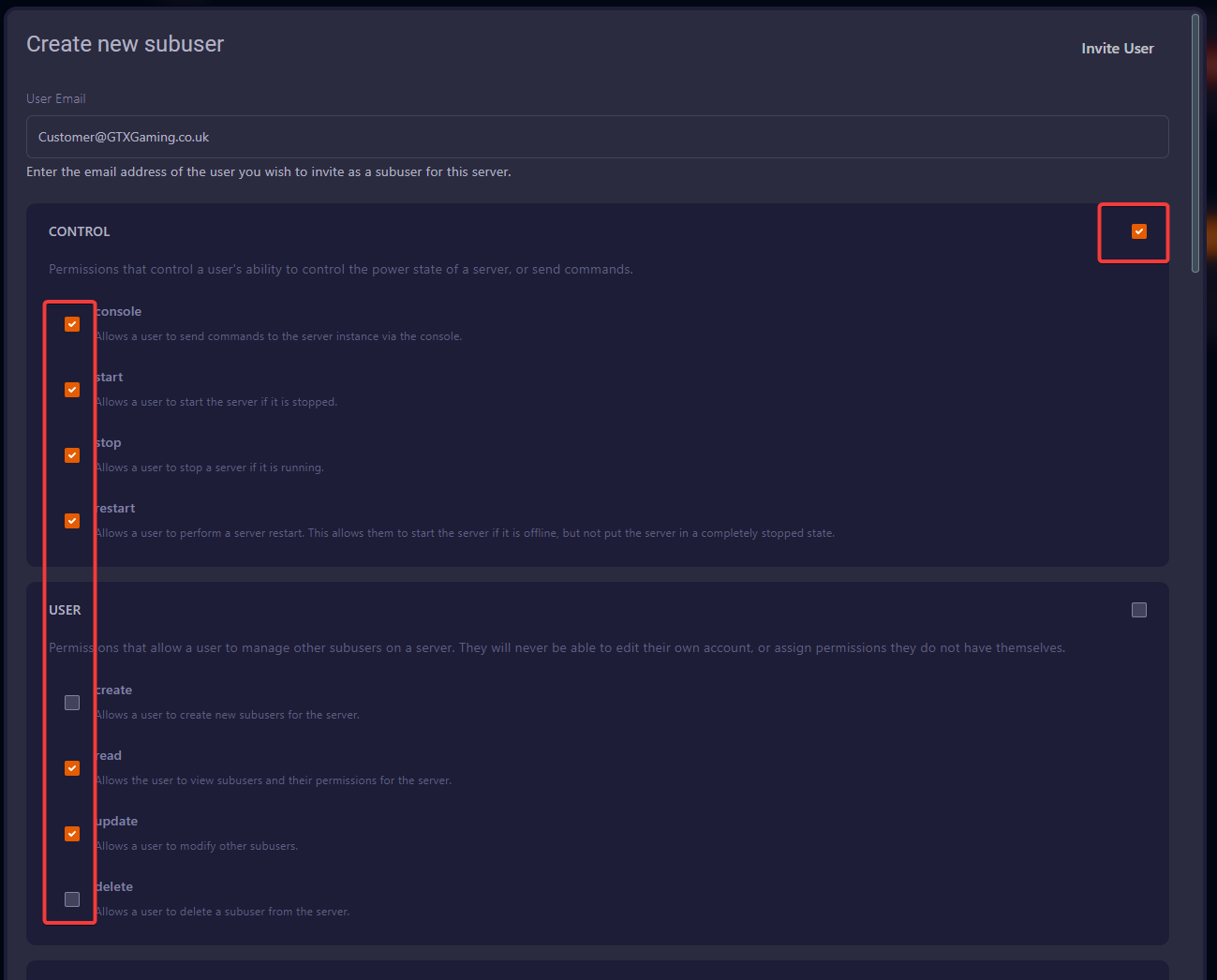
- Enter the sub user's email address.
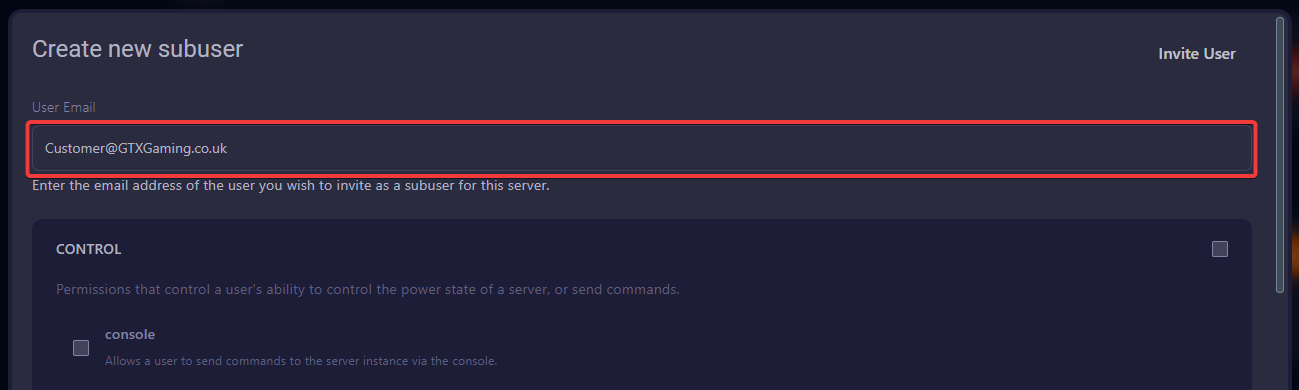
- Select the access permissions for the user by putting a tick in the box next to each permission. If you want them to have access to all options in a category, click the box in the top right of that category.
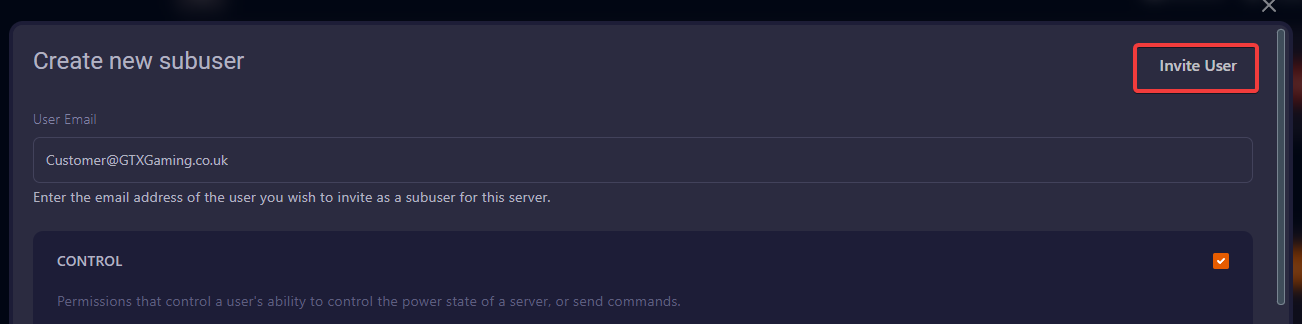
- Once you have finished setting the permissions, click Invite User.
Only give the permissions they need. A sub user can do everything you tick, from restarting the server to changing files.
Modify a sub user's permissions
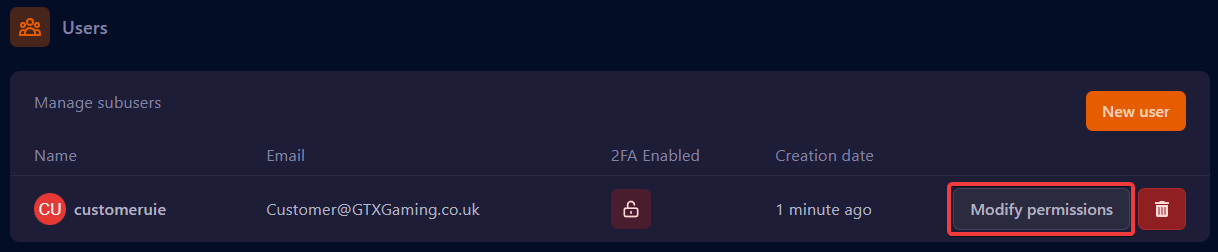
If you need to modify the permissions, click the Modify permissions button next to the user.
Delete a sub user
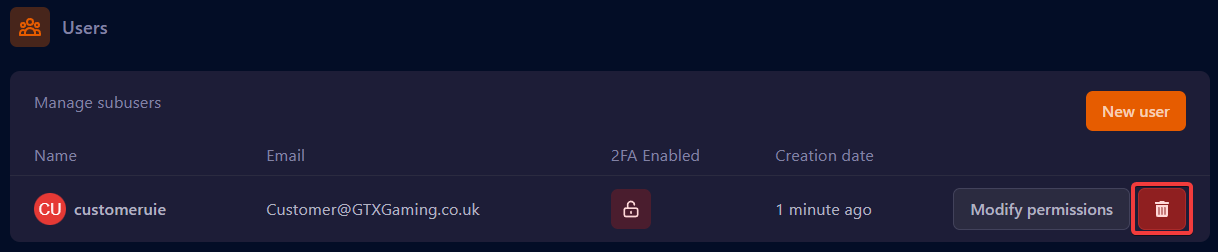
- To remove the user, click the trash bin next to their name.
- Click the Yes, remove subuser button to confirm.

Their access to the server is removed straight away.
Minecraft sub user questions
Where is the GTX Gaming login for the Minecraft game panel?
The Minecraft game panel is at https://gamepanel2.gtxgaming.co.uk/. Log in there, then click Manage Server on your server.
Does my friend need to share their password with me?
No. You only enter their email address and press Invite User. They use their own login, and nobody shares a password.
What permissions should I give a sub user?
Only what they need. Someone who just starts and restarts the server doesn't need file access. Give wider permissions only to people you fully trust, and use Modify permissions to change them later.
Want your own Minecraft server? See our Minecraft server hosting.
Related guides
If you have any issues, please open a support ticket.


