
How to Install the Bitterroot Community Map on Your DayZ Dedicated Server
In this guide, we’ll walk you through the step-by-step process of installing the Bitterroot community map on your DayZ dedicated server. With our game panel, the installation is simple — you can install Bitterroot and start playing with just one click. Follow the instructions below for a smooth setup.
Introduction to the Bitterroot Map
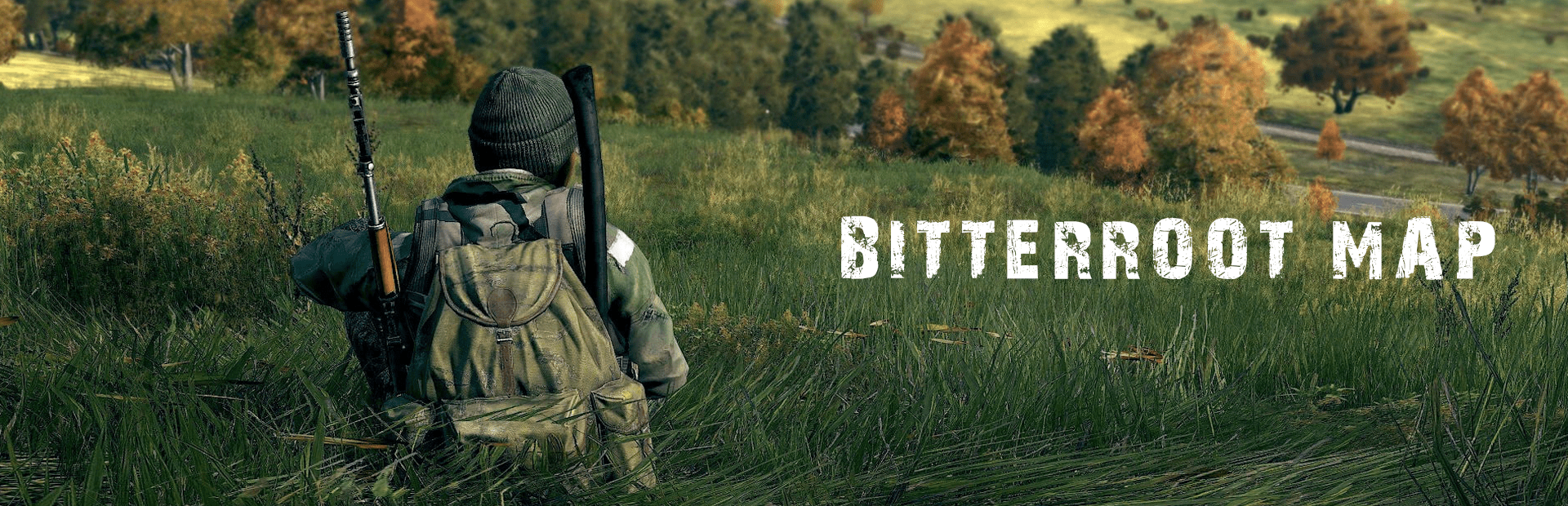
Set in a fictional region of Montana, Bitterroot spans about 155 km², offering wildlife-rich backwoods and immersive survival experiences. Previously influenced by the cult "Children of Man," it now presents survivors with a world both beautiful and harsh. Inspired by Far Cry 5, The Division, and The Last of Us, Bitterroot ensures intense gameplay.
Follow the guide below to install Bitterroot on your dedicated DayZ game server.
Important Notes Before Installation
⚠️ To ensure a stable and hassle-free experience, keep these tips in mind:
- Install Bitterroot on a Vanilla Server: Begin with a clean installation without any other mods to avoid conflicts, if possible, reinstall your server before adding Bitterroot to ensure a clean setup.
- Mod Compatibility: Some Workshop mods may be incompatible with Bitterroot, which could lead to server crashes or startup failures.
- Add Mods Gradually: After installing Bitterroot, add other mods one at a time, testing your server after each installation to identify potential conflicts.
- DayZ Updates Warning: Be aware that DayZ updates may break the Bitterroot map until the developer releases a compatible update.
How to Install the Bitterroot Map
- Stop your server.
- Go to the Mod Manager in your game panel.
- Locate Bitterroot in the Community Maps section.
- Click Install to add the Bitterroot map to your server.
- Start your server and allow a few minutes for it to initialize.
Important Notes for Updating
⚠️ To successfully update the Bitterroot map and mpmission on your server, follow these important tips
- To update the Bitterroot workshop map, update it like a regular workshop mod using the Steam Workshop button.
- To update the Bitterroot mpmission, go to the Mod Manager and press Update under the Bitterroot map; this will create an empty.Bitterrootfrost_UPDATED folder with the updated mpmission for you to later cherry-pick/merge
.xmlchanges if you have custom modifications.- The update will also copy persistence files into the empty.Bitterrootfrost_UPDATED folder; if you don’t have custom
.xmlmodifications, you can set this mpmission in yourConfig.cfgfile to automatically run the updated version.
Final Thoughts
By following this guide, you should now be able to successfully install the Bitterroot community map to your DayZ dedicated server.
ℹ️ If you encounter any issues or have questions during the process, don’t hesitate to contact our support system we’re always here to help you resolve server-related problems.
❓ Need more help? Check out our other DayZ server guides for additional tips, setup instructions, and troubleshooting solutions to keep your server running smoothly!
Get Your DayZ Server Hosting Today!
✅ Ready to dive into the world of Bitterroot? Order Your DayZ Server Here and start your adventure today!