
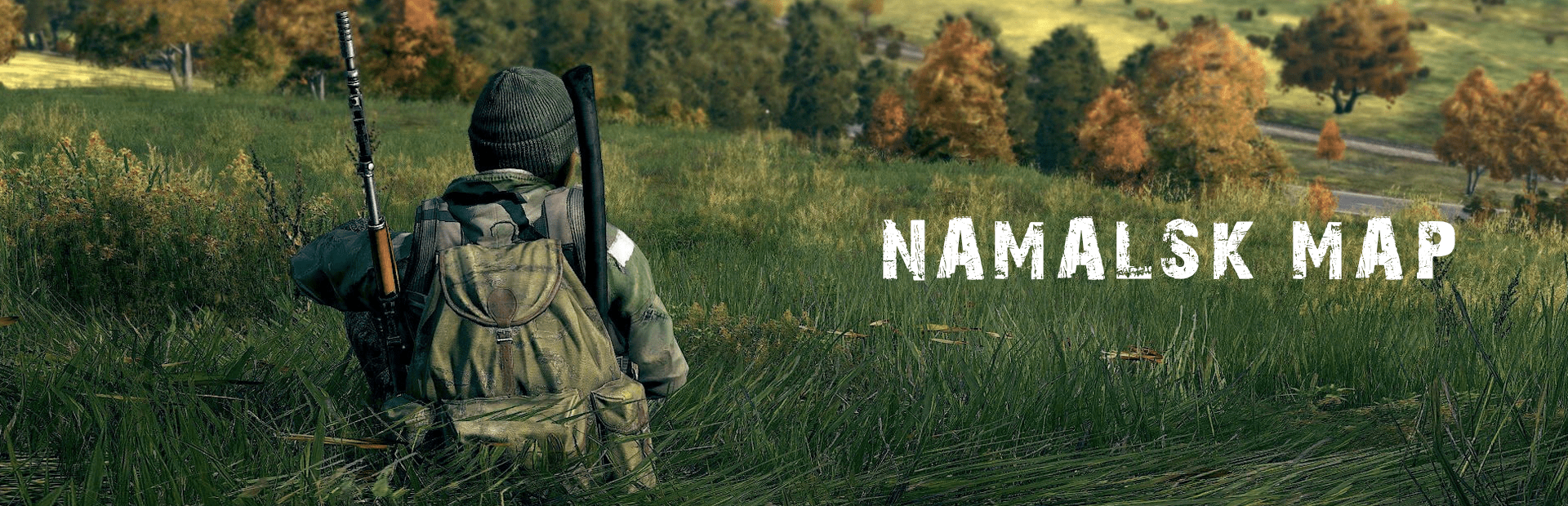
Install DayZ Namalsk on your server in one click: the Mod Manager adds the Namalsk Island and Namalsk Survival mods plus the regular and hardcore missions, ready to play.
Namalsk is an atmospheric, abandoned post-Soviet Aleutian archipelago. You can run it in Regular mode for immersive exploration, or in Hardcore mode with intense survival mechanics and environmental challenges.
Before you install DayZ Namalsk on your server
- Install Namalsk on a vanilla server. Begin with a clean installation without any other mods, to avoid conflicts. If possible, reinstall your server before adding Namalsk, for a clean setup.
- Take a backup. Back up your server before you install, so you can go back if something goes wrong. See How to back up your game server.
- Mod compatibility: some Workshop mods may be incompatible with Namalsk, which could lead to server crashes or startup failures.
- Add mods gradually: after installing Namalsk, add other mods one at a time and test your server after each installation, to identify potential conflicts.
- DayZ updates warning: DayZ updates may break the Namalsk map until the developer releases a compatible update.
This map automatically installs both Namalsk Island (regular) and Namalsk Survival (hardcore) mods and their respective missions (mpmissions) onto your server. You can switch between the regular and hardcore missions by editing the Config.cfg file while the server is stopped.
How to install the Namalsk map
- Stop your server: press STOP on your DayZ server.
- Go to the Mod Manager in your game panel.
- Find Namalsk in the Community Maps section.
- Click Install to add the Namalsk map to your server.
- Start your server: press START and allow a few minutes for it to initialise. The first start downloads the map.
Watch the start-up in the Web Console. If the server doesn't come online, check the logs in the Log Viewer for the mod or file that failed.
Switch between regular and hardcore Namalsk
Namalsk has two missions: regular.namalsk (Namalsk Island) and hardcore.namalsk (Namalsk Survival). Loot and spawn files such as types.xml live in each mission's own folder, not in the Chernarus mission.
- Press STOP.
- Open Configuration Files and edit
Config.cfg. - Set the mission to
regular.namalskorhardcore.namalsk, then save the file. - Press START.
Update the Namalsk map and mpmission
The map has two parts that update separately: the Workshop mods and the mission files.
- Namalsk Workshop map: press STOP, then update it like a regular Workshop mod using the Steam Workshop button. The same applies to both the Island and Survival map.
- Namalsk mpmission: go to the Mod Manager and press Update under the Namalsk map. This creates a
regular.namalsk_UPDATEDand ahardcore.namalsk_UPDATEDfolder with the updated mpmission, for you to later cherry-pick/merge.xmlchanges if you have custom modifications. The update also copies your persistence files into theregular.namalsk_UPDATEDandhardcore.namalsk_UPDATEDfolders. - Press START.
Your live missions are not overwritten. What you do next depends on whether you edited their XML files:
- No custom
.xmlmodifications: set the matching_UPDATEDmpmission in yourConfig.cfgfile (Configuration Files) to automatically run the updated version. Your players keep their progress, because the persistence files were copied across. - Custom
.xmlmodifications (loot, events, spawns): compare the files in the_UPDATEDfolder with yours and cherry-pick/merge the new changes into your live mission files by hand. Check them with the XML Validator before you start the server.
Always stop the server before you edit mission files or switch missions, and take a backup first.
DayZ Namalsk questions
How do I install DayZ Namalsk on my server?
Stop your server, open the Mod Manager in the GTX game panel, find Namalsk under Community Maps and click Install. The panel adds the Namalsk Island and Namalsk Survival mods and both missions. Start your server and give it a few minutes to initialise. Start from a clean, vanilla server for the best results.
What is the difference between regular and hardcore Namalsk?
Regular mode (regular.namalsk) is for immersive exploration. Hardcore mode (hardcore.namalsk) adds intense survival mechanics and environmental challenges. Both are installed, and you pick one in Config.cfg while the server is stopped.
Do my players need to download Namalsk?
Yes. Players need the Namalsk mods from the Steam Workshop. The DZSA Launcher downloads the server's mods for them when they join, and the official DayZ launcher offers to subscribe to any Workshop mods they are missing.
Can I run DayZ Expansion on Namalsk?
Yes. Namalsk is one of the maps the panel's one-click Expansion install has mission files for. Install Namalsk first, then follow How to install the DayZ Expansion Bundle.
My server stopped working after a DayZ update. What should I do?
Update the Namalsk mods in Steam Workshop, then check Mod Manager for a mission update. If the map developer hasn't released a fix yet, the map may not run until they do. Our DayZ update guide walks you through updating a modded server.
Ready to dive into the world of Namalsk? GTX DayZ servers come with one-click community maps in the Mod Manager: see DayZ server hosting.
Related guides
Stuck with Namalsk? Open a support ticket and we'll help.


