



 DayZ
 Palworld


 Enshrouded













On this pagePal Trading in Palworld
Pal Trading in Palworld
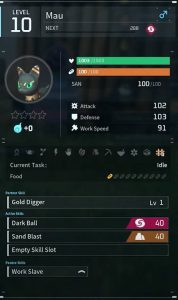
Hey friend, ready to learn the basics of trading Pals on your Palworld server hosting? This guide will help you master the art of exchanging those cute creatures with other players.
New to running a server? Start with our Palworld server guide: setup, mods and admin tips.
First, you can directly trade Pals from your Party. Just have both players stand near each other, then open your Party menu and select "Trade." Pick the Pal you want to give away and confirm the trade!
The other option is using Palboxes. Build one in your base, then drop a Pal inside. Other players can take that Pal from the box anytime. You can also put Pals from boxes into your own Party.
Trading is a great way to collect rare crafting materials from Pals you don't need. Or help out friends who are searching for specific Pals. Just remember both players have to agree to the trade.
How Trade a Pal With Friends
Directly from your Party
- Ensure the trading partner is in your multiplayer world or vice versa.
- Locate each other in-game and make sure you're close to each other.
- Confirm the presence of the desired Pal in your party.
- On Xbox, press the Menu button and then navigate to Party. For PC, press P on your keyboard.
- Choose the Pal you wish to trade.
- On Xbox, press the Right Stick. For PC, press R on the selected Pal to drop them.
- Acknowledge the pop-up warning about Guild members being able to pick up your Pal.
- The dropped Pal appears as a Pal Sphere on the ground.
- Instruct the trading partner to pick up the Pal Sphere, completing the trade.
Maintaining privacy is crucial when employing this method, especially in crowded game environments with numerous players, as there is a risk of others opportunistically seizing and taking possession of your Pal.
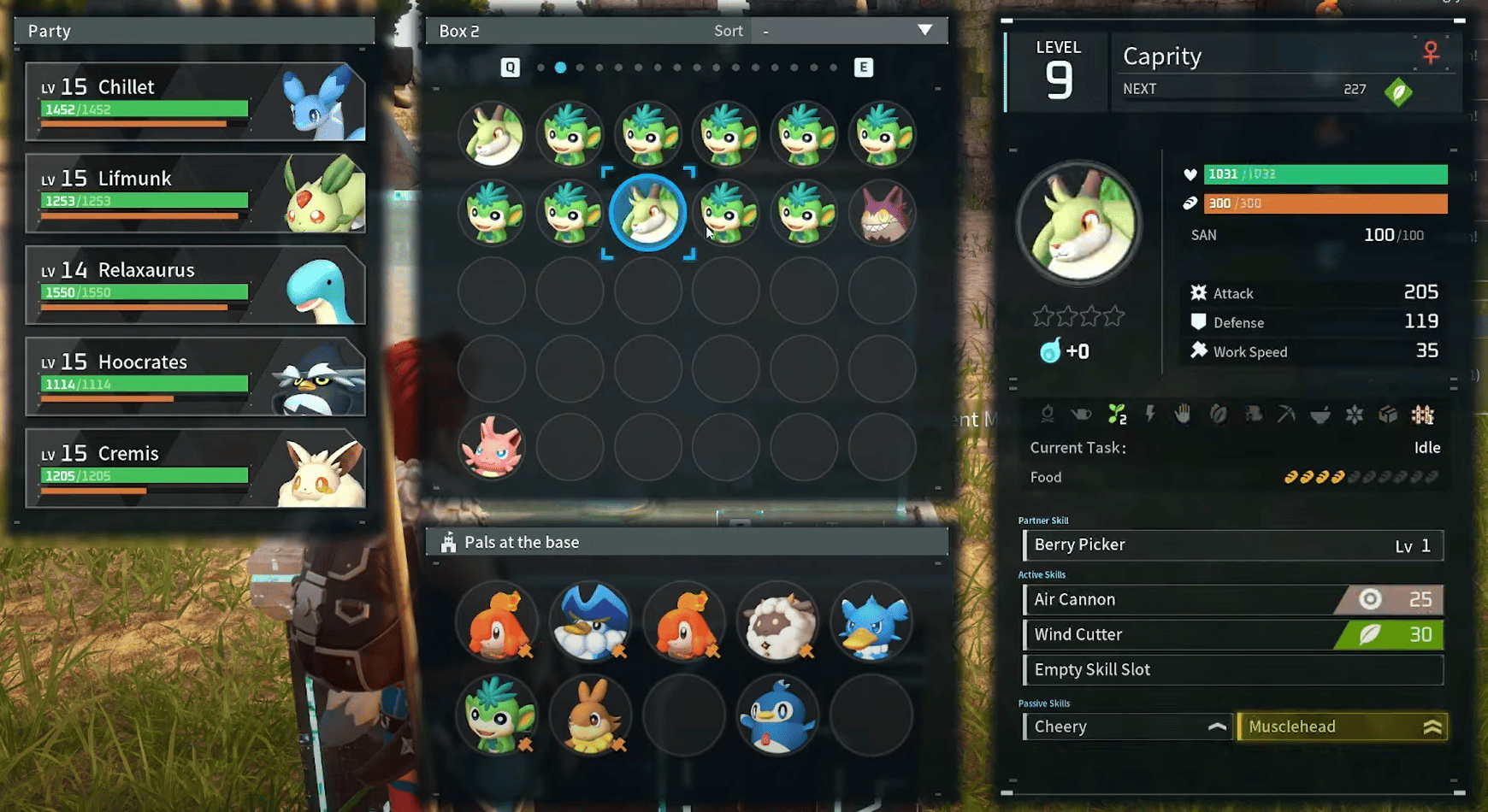
Using the Palbox in Palworld
- Confirm the presence of the intended trade partner in your multiplayer world or join theirs.
- Establish or extend an invitation to the player for Guild membership.
- Build a Palbox and arrange to meet the trading partner at the designated box location.
- Verify that the desired Pal for trade is part of your party.
- Interact with the Palbox using controller X or keyboard F to access the Palbox Management screen.
- Choose the Pal for trade from your party, hold A or left-click the mouse, and drag them to the base section of the Palbox.
- Exit the Palbox interface, allowing your friend to repeat the process by interacting with the Palbox and moving the Pal into their party.
This method requires you to be in a Guild with the player you want to trade with!
More Palworld guides: Best World Settings for Palworld, Palworld Game Server Admin Commands and Palworld: FPS Boost & Max Performance.
Running your own server? Our support guides show how to host a Palworld crossplay server for Xbox, PS5 and Steam.
Palworld Trading FAQs: Your Top Questions Answered
Keep playing: more Palworld guides
- CrossplayHow to play Palworld with friends3 min read
- CrossplayHow to create and join guilds2 min read
- PlayPalworld Pals Guide: The Full List52 min read
- SettingsBest world settings for Palworld4 min read
- PlayPalworld Coal Guide: All Coal Farming Locations Revealed!3 min read
- PlayPalworld Stairs 101: A Beginner's Guide to Building Stairs3 min read